BTC Tools | Miner Management
The program is designed for discovering, configuring, and bulk managing Bitmain Antminer ASIC miners within a local network.
BTC Tools | Overview & Core Purpose
BTC Tools is a specialized software utility designed for discovering, configuring, and managing Bitmain Antminer ASIC miners within a local network. It is widely used for rapid device scanning, batch static IP assignment, bulk mining pool reconfiguration, and centralized administration of mining hardware.
The application is completely free, with no subscription, license key, or feature paywall – every capability described above is included in the same download. BTC Tools runs entirely on your own network: it does not send mining data, IP addresses, or pool credentials to any external server, and it requires no account to use. It’s available as a portable executable for Windows 10 or later, via Snap on Linux, and as a source build on macOS 12+.
Unlike cloud-based fleet-management platforms such as Awesome Miner, minerstat, or Braiins Manager, BTC Tools does not offer remote monitoring from outside your network. It’s built for miners who manage their hardware on-site – from a single home rig to a small-to-mid-size farm – without per-device fees or a vendor dashboard in the loop.
Key Features of BTC Tools
Device Discovery
Rapidly scan and detect all Antminer devices operating within your local area network (LAN).
IP Identification
Effortlessly display, filter, and track the IP addresses of all connected ASIC hardware units.
Pool Reconfiguration
Perform mass editing of mining pool settings across multiple mining rigs simultaneously.
Static IP Assignment
Execute batch static IP configuration to ensure network stability and prevent device conflicts.
Network Setup
Configure advanced network parameters for your entire fleet from a single, intuitive interface.
Hardware Diagnostics
Run essential system checks, monitor status indicators, and keep track of live miner performance.
Supported Antminer Models
BTC Tools is engineered to work seamlessly with various generations of Bitmain hardware, including the Antminer S9, Antminer S17, Antminer S19, Antminer T17, Antminer L3+, and other compatible models. This extensive compatibility makes the software a versatile, all-in-one solution for managing ASIC miners within a local network.
Beyond Bitmain Antminer hardware, BTC Tools also supports MicroBT Whatsminer, Canaan Avalon, and Innosilicon models. See the full compatibility list for exact model numbers and known limitations.
How BTC Tools Works
Download BTC Tools
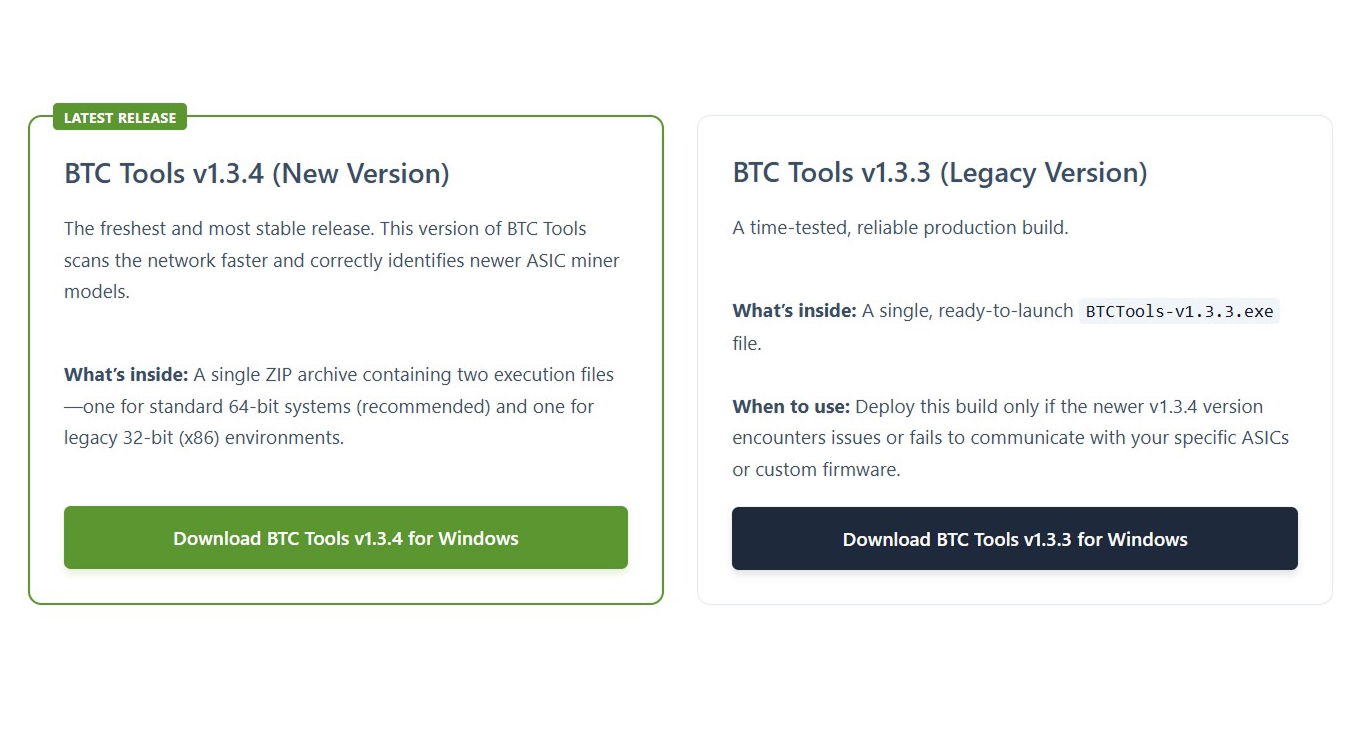
Download the latest version of BTC Tools and choose the release that best fits your ASIC setup.
Launch the Application
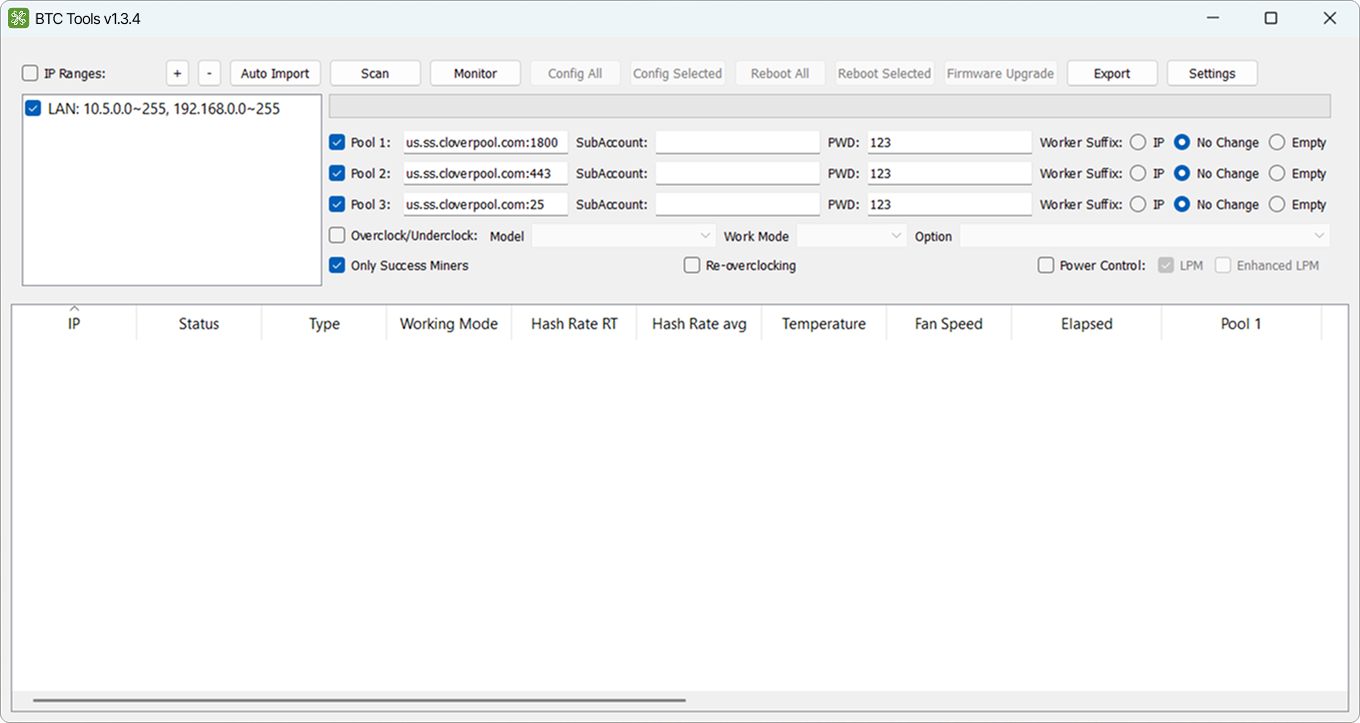
Open BTC Tools on your Windows computer and prepare your local network for ASIC miner management.
Scan & Manage ASIC Miners
Detect miners, monitor status, configure devices in bulk, and keep your mining operation running smoothly.