
Download BTC Tools
Here you can download the official versions of the BTC Tools software. Ready-to-use installation files for Windows are available below, along with straightforward, easy-to-follow commands to launch the utility on Linux and macOS.
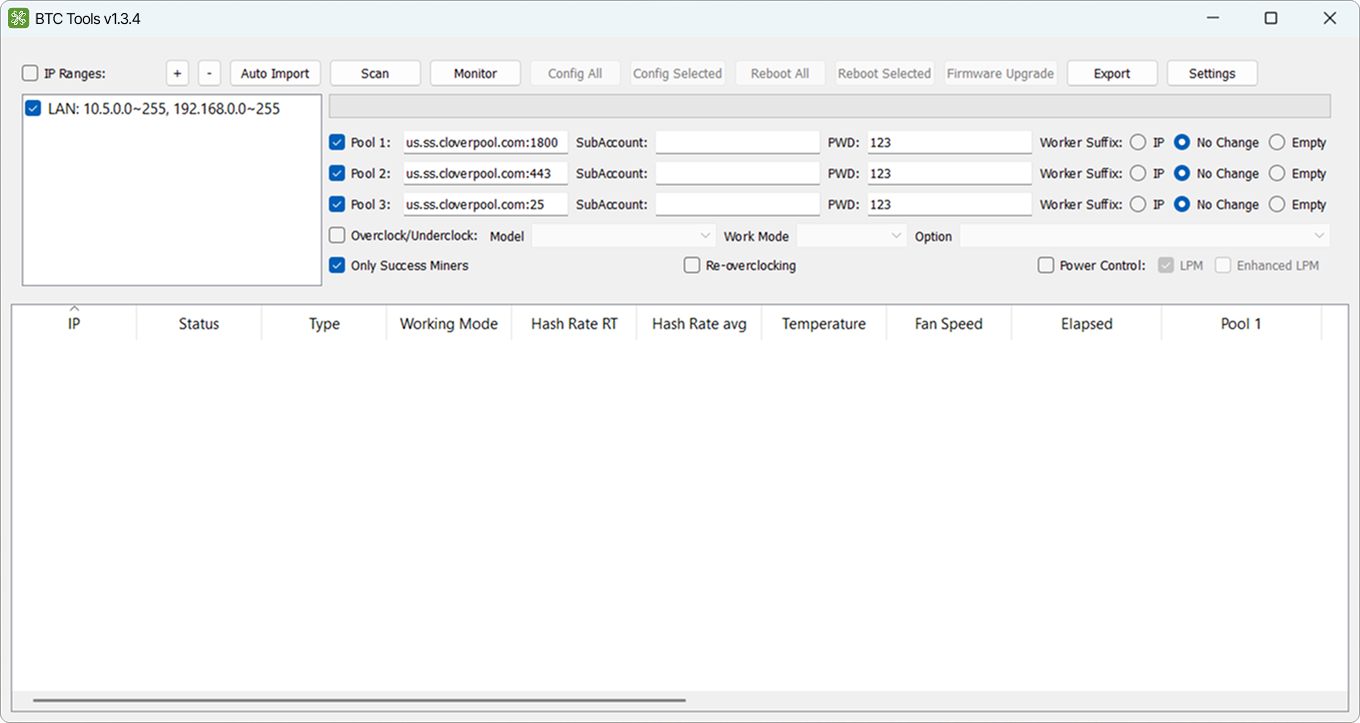
Screenshot: Main interface of BTC Tools v1.3.4.
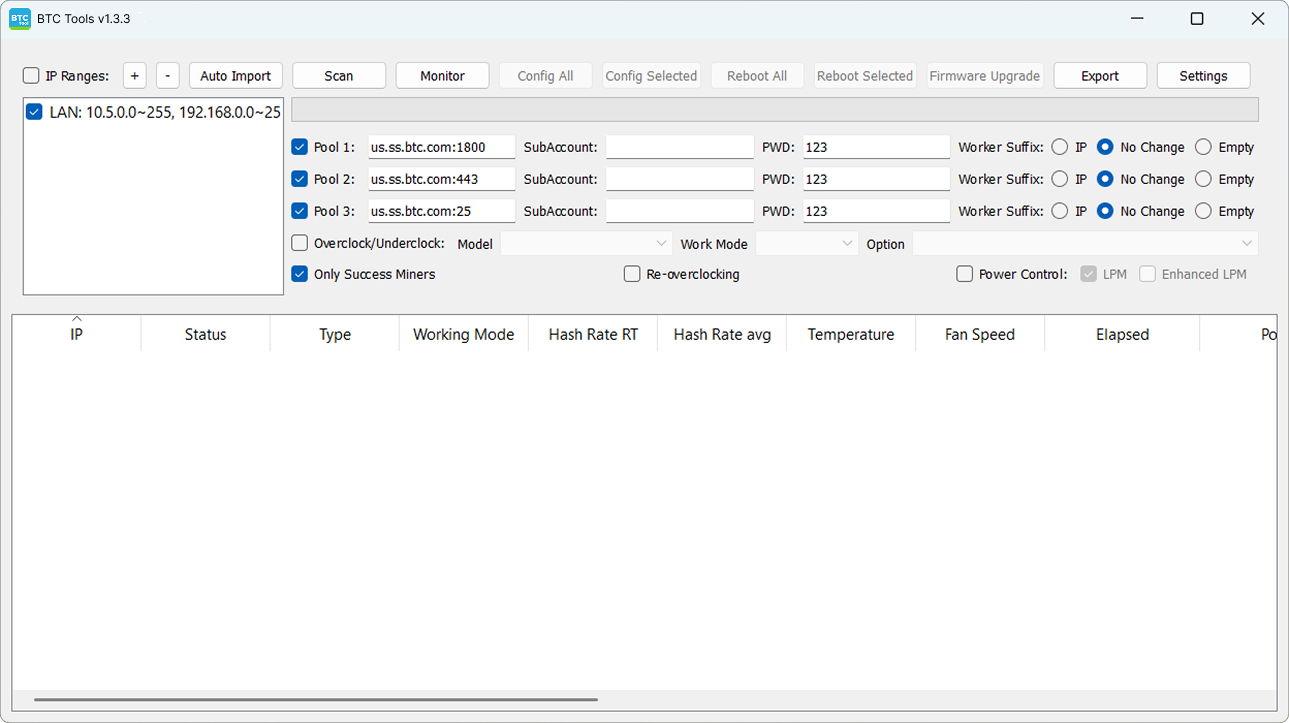
Screenshot: Main interface of BTC Tools v1.3.3.
Download BTC Tools for Windows
All Windows versions run in portable mode, requiring no system installation. Simply download the archive, extract it to any folder, and launch the executable—the software is instantly ready to scan your network for miners.
BTC Tools v1.3.4 (New Version)
The freshest and most stable release. This version of BTC Tools scans the network faster and correctly identifies newer ASIC miner models.
BTC Tools v1.3.3 (Legacy Version)
A time-tested, reliable production build.
BTCTools-v1.3.3.exe file.
When to use: Deploy this build only if the newer v1.3.4 version encounters issues or fails to communicate with your specific ASICs or custom firmware.
How to Run BTC Tools on Linux
The Linux edition (v1.3.3) is distributed directly through the official Snapcraft app store. To install it quickly, simply open your terminal, copy the following command line, paste it, and hit Enter:
sudo snap install btctools
How to Install BTC Tools on macOS (Mac)
Apple computers are supported via software version v1.3.3. On Mac systems, the utility must be manually compiled from source files using the Homebrew package manager. This setup is recommended for advanced users.
Step 1: First, install the required dependencies and development libraries via Homebrew:
brew install cmake boost openssl lua@5.1 cryptopp
Step 2: Next, compile the source code and build the BTC Tools application binaries:
cmake -DCMAKE_INSTALL_PREFIX=/opt/btctools -DBTCTOOLS__LIB_TYPE=STATIC -DBTCTOOLS__LUA_TYPE=NORMAL ..
make
make install
System Requirements
Windows
Windows 10 or later (64-bit recommended). No installation required — runs as a portable executable. Administrator rights recommended for full network scanning.
Linux
Any distribution supporting Snap packages (Ubuntu, Debian, Fedora, and derivatives).
macOS
macOS 12 (Monterey) or later. Requires building from source via Homebrew — see instructions above.
Note: BTC Tools must run on the same local network as your ASIC miners. It does not work over the internet or with miners behind a different subnet/VLAN without proper routing.
Version History
A record of active and archived BTC Tools releases and what changed:
Faster network scanning, improved detection of newer ASIC models (S19 XP, S21 series). Recommended for all users.
Time-tested stable build. Kept available for setups where v1.3.4 has compatibility issues with specific ASICs or custom firmware.
Suffered from performance instability and are no longer distributed. If you have one of these installed, upgrade to v1.3.4.
Legacy Archived Versions
Early legacy releases of the software (such as v1.3.0, v1.3.1, and v1.3.2) are officially deprecated, suffer from performance instability, and have been entirely removed from our servers. To ensure the application correctly reads hash rates, operating temperatures, and processes mining pools without errors, we strongly advise using only the official active versions: v1.3.4 or v1.3.3.